Blender Free Resource Selection and Licensing Pitfalls: A Sustainable Safety Workflow
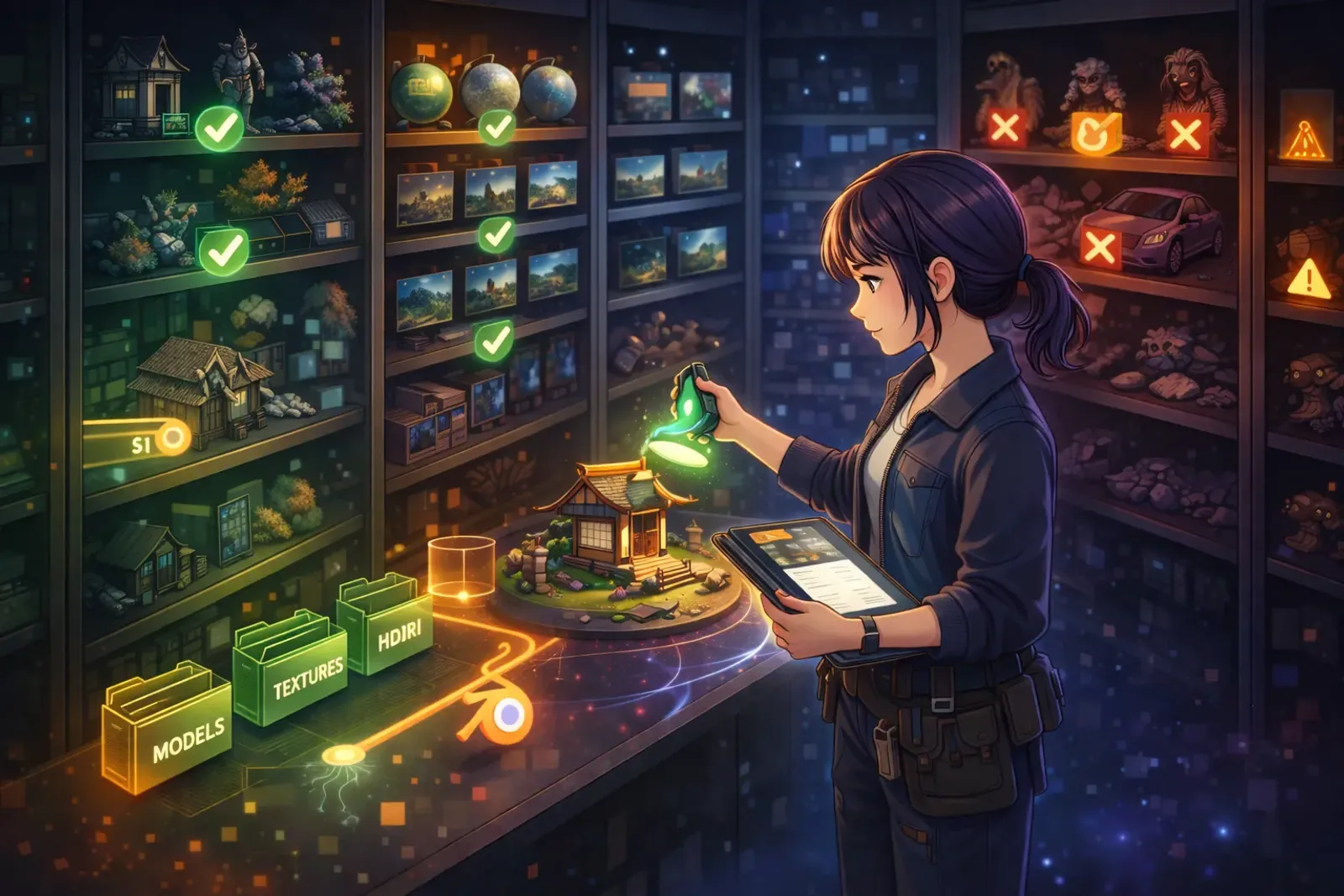
Blender Free Resource Selection and Licensing Pitfalls: A Sustainable Safety Workflow
The Core Problem
You have probably seen situations like these:
- You find a great free model but are not sure whether commercial use is allowed.
- A project is close to delivery, then you discover the asset is marked Non-Commercial.
- After publishing, someone asks for license proof and the team cannot locate the source.
In Blender workflows, the hard part is often not finding assets. It is verifying licensing early enough.
Many teams import assets first and plan to check licenses later. It looks faster in the short term, but it can lead to full rework, emergency takedowns, and damaged client trust.
So this article is not theory-heavy. It gives you a practical workflow you can use every day: fast, clear, and traceable.
The Solution
The most reliable approach is simple: move license checks to the point before assets enter production.
Use this rule of thumb: Three Layers of Protection
- Trusted source: download only from traceable platforms and original creator pages.
- Usable terms: confirm commercial use, modification rights, and redistribution boundaries.
- Stored evidence: keep screenshots of license pages, download dates, versions, and source links.
Why this works in real teams:
- Beginners can follow it with a checklist.
- Teams can share one standard process.
- New members can take over without losing context.
Implementation Steps
Step 1: Split free assets into four categories
Do not download everything first and review later. Categorize first to avoid licensing mistakes.
- Geometry assets: models, environments, characters.
- Visual assets: textures, materials, HDRIs, brushes.
- Tool assets: add-ons, scripts, node assets.
- Reference assets: tutorial files, sample projects, demo packs.
Different categories fail in different ways:
- Models often fail on redistribution boundaries.
- Add-ons often fail on version and dependency license conditions.
- Textures often fail on “commercial use allowed but resale restricted” terms.
Step 2: Use three quick questions before any asset enters your project
Ask these three questions every time:
- Is commercial use allowed?
- Is modification allowed?
- Can this asset be shipped as part of the final deliverable?
If any answer is unclear, do not use it in production yet.
Ten extra minutes of checking can save ten days of rework.
CC0 Website Quick List (Common in Blender workflows)
If you want low-risk starting points, bookmark these first:
-
Poly Haven
- HDRIs, textures, and 3D models. Officially marked as CC0.
-
ambientCG
- High-quality PBR materials and HDRIs with clear CC0 usage.
-
OpenGameArt
- Not fully CC0 as a platform. Use license filters and choose CC0 entries only.
-
Sketchfab
- Not fully CC0 as a platform. Filter by CC0 and verify each asset page.
Important: for platform-type sites (such as OpenGameArt and Sketchfab), verify the license on each individual asset page. Do not rely on homepage descriptions.
Step 3: Build a minimum license tracker
Create a LICENSE-TRACKER.md file in every project. At minimum, include:
- Asset name and version
- Source URL
- Creator name
- License type
- Commercial-use status
- Attribution requirement
- Download date
- Where it is used in the project
It may feel like paperwork, but this file becomes your safety net when clients, platforms, or teammates ask for proof.
Step 4: Create a reusable attribution template
Many free assets are usable but require attribution.
Prepare one attribution template and reuse it across projects. This keeps your process compliant and gives proper credit to creators.
Step 5: Run a final license check before release
Reserve 15 minutes before publishing and check:
- Any assets with unknown source?
- Any Non-Commercial assets inside commercial projects?
- Any missing required attribution?
- Any restricted assets accidentally included in source packages?
These 15 minutes often save days of cleanup later.
Advanced Tips
- Prefer sources with stable terms and clear licensing pages.
- Never rely only on short download-page summaries. Read full license text.
- Use team labels: green (approved), yellow (needs review), red (not for commercial use).
- Keep local snapshots of key license pages to preserve traceability.
- Treat license reading as production training, not legal overhead.
For small teams, add one more habit:
- Run a 10-minute weekly spot-check on newly added assets.
Real Example
Suppose you are building a small 3D puzzle game in Blender. A practical rollout can be:
- During blockout, use self-made geometry only to avoid early license uncertainty.
- After art direction is locked, add free materials and record each one in the tracker.
- For third-party character or prop models, confirm commercial and modification rights first.
- Before release, export credits and license records with the project version.
The result is straightforward:
- No last-minute asset removal on release day.
- Fast responses when someone asks for source proof.
- Reusable templates that help future team members avoid the same mistakes.
Common Issues
Q1: If an asset is labeled free, is commercial use always allowed?
No. “Free” usually means no download fee, not unrestricted commercial rights. Always read the license.
Q2: If I modified a model, do original license terms still apply?
Usually yes. Modification does not automatically replace original rights and obligations.
Q3: If I only show the work in a portfolio and do not sell it, do I still need license checks?
Yes. Some licenses still restrict public display, redistribution, or platform publishing.
Q4: What if I cannot find a license page?
Do not use the asset. Unknown source means unknown risk.
Key Takeaways
- The biggest risk in free assets is unclear licensing, not quality.
- A three-layer process significantly reduces infringement and rework risk.
- A license tracker is a core production document, not optional admin.
- Proper attribution supports a healthier creator ecosystem.
- Helping more creators starts with consistent verification at each download.
Conclusion
Blender has a strong free resource ecosystem, but professional workflow is not about collecting assets fast. It is about using them safely and consistently.
Once your team adopts traceable sources, verifiable terms, and stored evidence, projects become more stable for everyone: creators, clients, and the broader community.
Related Resources:
-
Blender Official Website
- Official tools and community entry point
-
Creative Commons Licenses
- Reference for license types and usage boundaries
-
Poly Haven
- CC0 HDRIs, textures, and 3D model resources
-
ambientCG
- High-quality CC0 PBR materials and HDRIs
-
OpenGameArt
- Game asset platform, use license filters to target CC0 assets
-
Sketchfab
- 3D model platform, verify each asset license and filter by CC0
Tags: #Blender #FreeResources #Licensing #GameArt #Workflow #Tutorial