PaintBridge Links Krita and Blender for Projection Texturing
PaintBridge Links Krita and Blender for Projection Texturing
Current Observation / 現況觀察
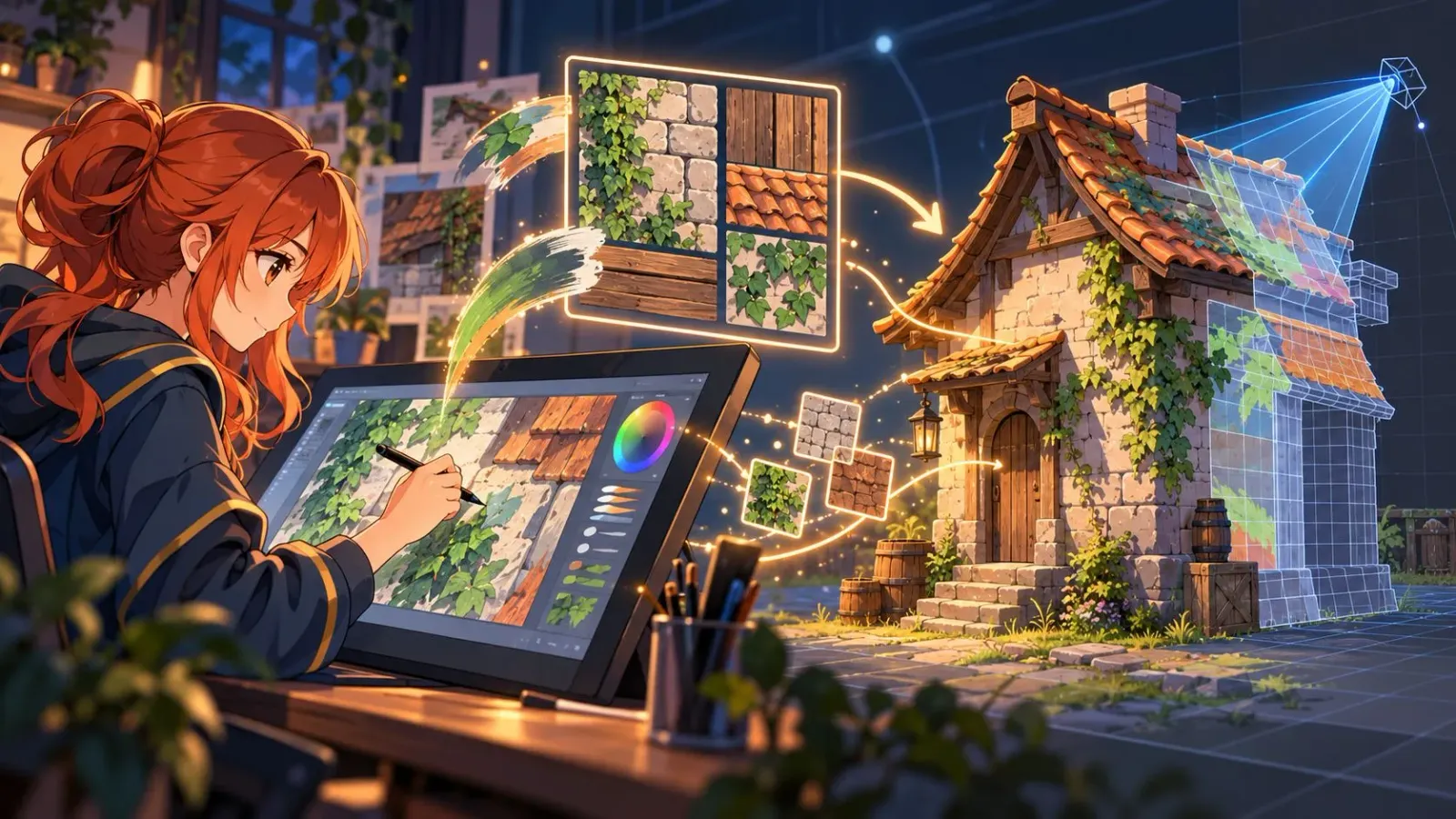
In late August 2026, developer MadCanvas posted a Krita build of PaintBridge on Krita Artists; 80 Level covered it on August 31. The pitch is straightforward: run Blender and Krita on the same machine, capture a model view from Blender, paint in Krita with its usual brush engine, then project the result back onto the mesh.
MadCanvas is explicit that other Blender–Krita links already exist. PaintBridge is not meant to replace them. It targets a different itch: texture painting that feels closer to painting on the 3D model, while keeping the drawing stage inside Krita. You can paint over reference passes such as depth, normals and AO, then send the layer back as a projection.
It runs locally, needs Blender 4.0+ and Krita 5.0+, and is a paid add-on (about EUR 15.99 on Gumroad), not a free utility.
Background Analysis / 背景分析
Indie and open-toolchain texturing often splits into two paths:
- Stay inside Blender Texture Paint (or layer tools like Ucupaint)
- Export UVs to Krita/Photoshop, paint, reimport — with file ping-pong and slower iteration
PaintBridge is closer to a stronger “Quick Edit” idea: a live link that reduces export/import. MadCanvas also notes it can sit beside Ucupaint — Ucupaint owns the Blender-side layer stack, while PaintBridge one-way bakes the active Krita layer onto a chosen target texture. The layer systems stay separate.
For artists who already live in Krita’s brushes, lasso, transform and symmetry tools, that matters: the add-on does not take those tools away. Projection still follows Blender-like falloff/bleed ideas, and seam cleanup may still need ordinary Blender texture painting.
Impact Assessment / 影響評估
For indie/open pipelines: This is one of the clearer ways to bring Krita feel back into Blender iteration, especially for stylized or hand-painted assets. The price is modest, but not everyone needs it — if you mostly paint on flattened UVs, existing link plugins or a plain export loop may be enough.
For daily rhythm: You shorten the gap between “seeing the model” and “placing the stroke.” The cost is running two apps and learning projection limits around seams. Better docs and more demos (also requested in the thread) would lower the onboarding friction.
Versus recent AI-operates-DCC news: PaintBridge does not replace generation. It keeps human brush decisions in a familiar tool. After a stretch of AI agent headlines, that is a useful counterweight for Halabaojia’s open-toolchain readers.
Future Outlook / 未來展望
Worth watching: documentation depth, richer per-texture layer mapping with Ucupaint (MadCanvas has tested separating layers but kept the first release simple), and more real-project demos covering symmetry, transforms and seam cleanup. Those pieces decide whether it becomes a habit or a one-week experiment.
Practical advice: identify whether your pain is “projection on the model” or “painting on UV sheets.” Only the former really justifies PaintBridge.
Personal Perspective / 個人觀點
What I like about this release is how honest it is: many people can texture in 3D, but their brush memory lives in Krita. A good bridge respects that reality more than forcing everyone onto one 3D paint UI.
It is not free and not magic. The direction is right — tools should move toward creators, not the other way around.
Conclusion / 結論
PaintBridge for Krita offers a local live link between Blender and Krita: capture, paint, project — optionally alongside Ucupaint. For open-toolchain artists, it is a hand-feel story worth logging: even in a loud AI-pipeline season, keeping brushes where you are strongest still matters.