Godot 4.6 Makes 3D Art More Production Ready
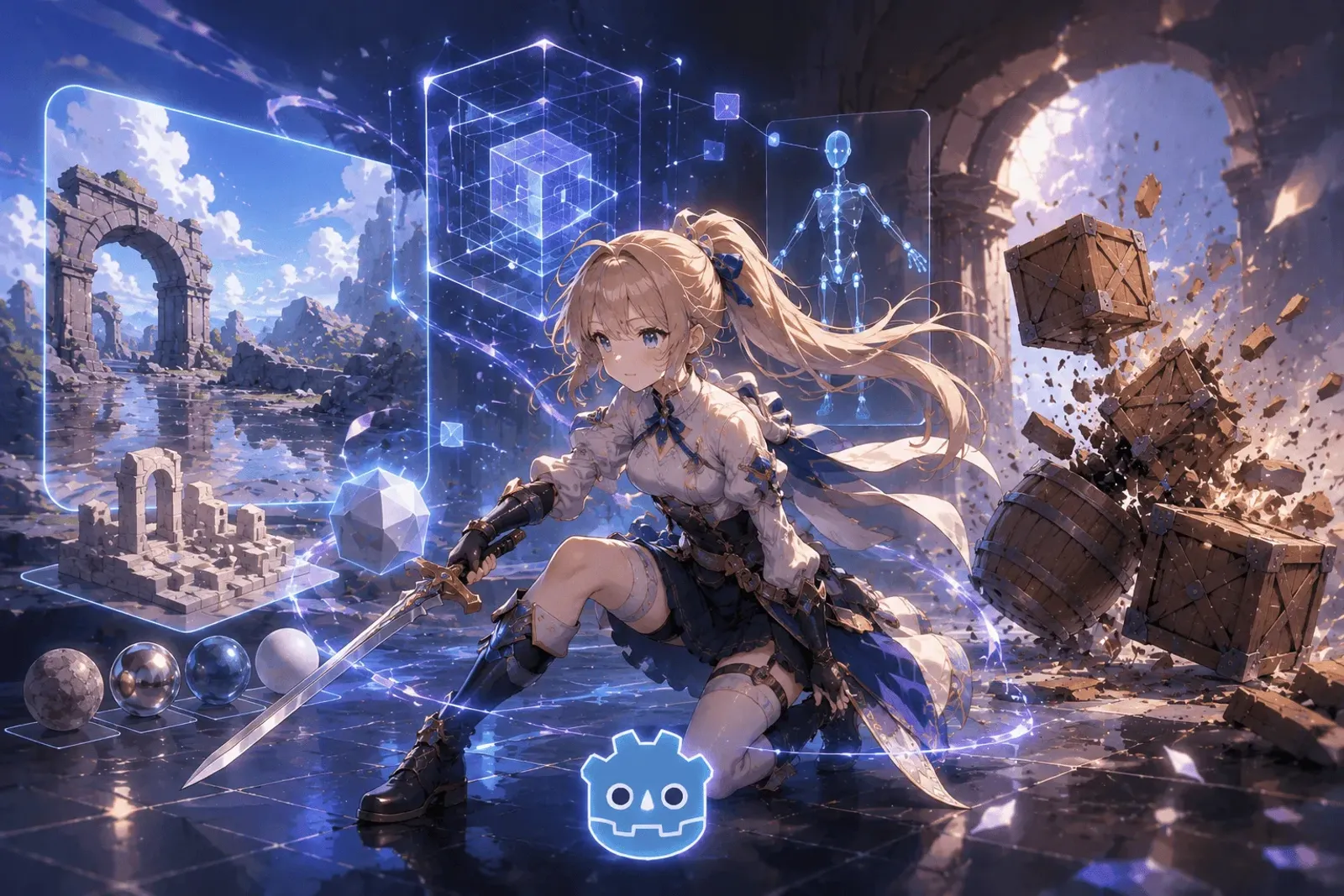
Godot 4.6 Makes 3D Art More Production Ready
Current Observation
Godot 4.6 is not only a feature update. It is a workflow update. That distinction matters because most 3D production pain does not come from one missing headline feature. It comes from many small points of friction that slow down daily iteration.
For a 3D artist or a small indie team, the real questions are practical. Do reflections hold up in a playable scene? Can a character place its feet on uneven terrain? Can modular level pieces be painted without leaving gaps? Can an artist select an object in a crowded scene without accidentally moving it? Can textures import fast enough to support repeated visual testing?
Godot 4.6 addresses many of those everyday problems. It does not suddenly turn Godot into a direct replacement for Unreal Engine in every production context. But it does make the open-source engine feel more serious for lightweight, stylized, and indie-scale 3D projects.
Background Analysis
Over the past few years, the Blender + Krita + Godot stack has moved from a backup option into a genuine production path for many independent creators. The appeal is easy to understand: lower licensing risk, transparent development, strong community support, and a toolchain that students, solo developers, and small studios can adopt without heavy upfront cost.
The difficulty is that 3D game production is much more sensitive to workflow stability than 2D production. Once a model enters the engine, it has to survive material setup, lighting, collision, LOD, animation, physics interaction, and scene assembly. If one step is unreliable, artists repeat work and programmers write workaround code.
That is why the most important question around Godot 4.6 is not whether it can produce one attractive screenshot. The better question is whether it makes the path from Blender export to Godot scene integration smoother. For 3D art pipelines, that is where the real value appears.
Art Workflow Highlights
1. Reworked SSR makes materials more dependable
Godot 4.6 brings a major overhaul to Screen Space Reflection. For artists, this affects the credibility of metal, water, glass, polished floors, and other reflective surfaces.
Previous SSR implementations could struggle with stability, roughness handling, or performance cost. The 4.6 update improves visual stability and performance, while allowing teams to choose between full-resolution rendering for quality and half-resolution rendering for speed. That gives smaller teams more room to use reflective materials without immediately avoiding them for performance reasons.
This matters for stylized 3D as much as realistic 3D. Reflections are not only about photorealism. Controlled highlights and localized environmental reflection can make low-poly assets, cartoon materials, and compact environments feel more finished.
2. The new IK framework supports practical character animation
The new inverse kinematics framework is one of the most useful Godot 4.6 changes for character production. The official release notes describe use cases such as planting feet on uneven ground, guiding robot arms toward objects, and making bone chains follow targets more naturally. The framework includes solvers such as TwoBoneIK3D, SplineIK3D, FABRIK3D, CCDIK3D, and JacobianIK3D.
For artists and technical artists, this means character motion no longer needs to rely entirely on pre-authored animation clips. When a character walks across uneven terrain, reaches toward a weapon, or needs procedural correction during gameplay, more of that adjustment can happen inside the engine.
This does not replace animators. It reduces the number of special-case animation clips a small team has to produce. For indie development, that is a meaningful production saving.
3. Jolt Physics becomes the default for new 3D projects
Godot 4.6 makes Jolt Physics the default physics engine for new 3D projects. Existing projects keep their current physics settings, but new 3D projects now start with Jolt by default.
This matters for game art more than it may seem. Collision, rigid bodies, character movement, movable props, breakable objects, and physics puzzles all contribute to whether a scene feels believable. Beautiful art loses impact quickly if interaction feels unstable.
By making Jolt the default, Godot signals more confidence in its 3D interaction foundation. For action adventures, physics puzzle games, low-poly exploration, and small 3D RPGs, that is a stronger starting point.
Editor Improvements
Godot 4.6 also improves the physical feeling of editing scenes. These changes are not flashy, but they affect daily production.
First, Select and Transform modes are now separated. In busy scenes, it was easy to select an object and accidentally move, rotate, or scale it. Godot 4.6 adds a selection-only mode, making object picking and object manipulation feel closer to workflows found in Blender, Maya, Unity, and other common 3D tools.
Second, GridMap painting is improved. Godot now uses a Bresenham line algorithm to interpolate between input points while painting or erasing GridMap cells. In practice, this means fewer gaps when dragging across modular tiles, blockouts, dungeons, and voxel-style layouts. For level artists, that reduces cleanup time.
Third, the 3D rotation gizmo now includes a handle aligned to the view axis. Sometimes an artist wants to rotate an object relative to the current camera view, not strictly around a world or local axis. This kind of detail makes scene layout feel more natural.
Together, these editor improvements move Godot closer to the expectations artists bring from dedicated DCC tools.
Performance and Import
Another underrated part of 3D art production is waiting. Texture imports, LOD generation, material previewing, and scene reloading all affect how quickly a team can iterate.
Godot 4.6 improves compressed 3D texture import speed by moving RGB-to-RGBA conversion to the GPU through Betsy. The official release notes state that this can make compressed 3D texture imports up to twice as fast. This is useful because artists rarely import textures only once. They revise resolution, compression, roughness, normal maps, and material values repeatedly.
LOD generation also improves through component pruning for mesh simplification. The result is that models made from multiple separate parts can better preserve their overall shape when simplified for distance. This matters for props, architecture modules, mechanical assets, and stylized set dressing, where silhouette collapse can become obvious.
Rendering improvements also support cleaner 3D output. Godot 4.6 adjusts glow blending defaults, exposes AgX tonemapper parameters, optimizes reflection and radiance probes with octahedral maps, and adds material debanding and improved HDR precision for 3D in the Mobile renderer. These are not always the features players name directly, but they influence whether a scene looks clean, stable, and intentional.
Impact Assessment
Godot 4.6 does not push the engine toward high-end realistic blockbuster production. Its strongest 3D value is more focused. It makes Godot more attractive for:
- Low-poly exploration games.
- Stylized 3D adventures.
- 2.5D and hybrid 3D projects.
- Modular dungeons and grid-based environments.
- Small character-driven interaction projects.
- Educational prototypes and student projects.
These projects usually do not need film-grade rendering. They need readable materials, stable physics, usable character animation tools, fast scene assembly, and a production path that does not collapse under cost or licensing pressure.
From that perspective, Godot 4.6 is a practical step forward. It gains value by removing friction from the work artists repeat every day.
Practical Application
If you want to test Godot 4.6 for 3D game art, avoid starting with a large open world. Build a small vertical slice instead.
- Create 5 to 10 modular environment pieces in Blender.
- Assemble a short playable space in Godot using GridMap or manual placement.
- Test metal, water, or glass materials and evaluate the new SSR behavior.
- Import one simple character and test IK for foot placement or hand targets.
- Add several Jolt Physics objects to validate collision and interaction stability.
- Configure LOD and texture compression, then review how the scene holds up at different distances.
This kind of test reveals whether Godot 4.6 fits your project better than a feature checklist does. It also helps a team define real production standards before committing to a full pipeline.
Personal Perspective
The most important thing about Godot 4.6 for 3D art is that it understands a mature tool is not judged only by how many features appear on a release page. It is judged by how much friction it removes from daily work.
SSR, IK, Jolt Physics, GridMap improvements, LOD quality, and import speed are not dramatic in isolation. Together, they form a more complete 3D production path.
Godot is still not the best answer for every 3D project. But if your target is stylized art, small-team production, controlled scope, open-source ownership, and long-term independence, Godot 4.6 is now worth testing seriously.
Conclusion
Godot 4.6 should not be treated only as release news. It is a sign that the open-source engine is moving from “can it do 3D?” toward “can it make 3D production feel smooth enough?”
For 3D art learners, it is a strong practice environment. For indie teams, it offers a low-cost, low-risk, expandable production route. The exciting part is not that Godot immediately replaces another engine. It is that more creators can now complete real 3D games with an open toolchain they can trust and grow with.
Related Resources:
-
Godot 4.6 Official Release Page
- Full feature highlights and official notes
-
Godot Documentation
- Guides for 3D, animation, rendering, and import settings
-
Godot Official Website
- Engine downloads and community resources
Tags: #Godot #3DArt #GameEngine #OpenSource #GameDevelopment #TechNews