NVIDIA Next-Gen Creator GPU Launch: Real Workflow Gains in 3D, Baking, and AI-Assisted Production
NVIDIA Next-Gen Creator GPU Launch: Real Workflow Gains in 3D, Baking, and AI-Assisted Production
Current Observation
After NVIDIA announced its next-generation creator GPUs in March 2026, the first community question was not synthetic benchmark scores. It was simple and practical: “How much faster is this in real projects?” That question matters, because for creators, GPU value is not defined by a spec sheet. It is defined by whether a full workday includes less waiting, fewer re-runs, and fewer interruptions.
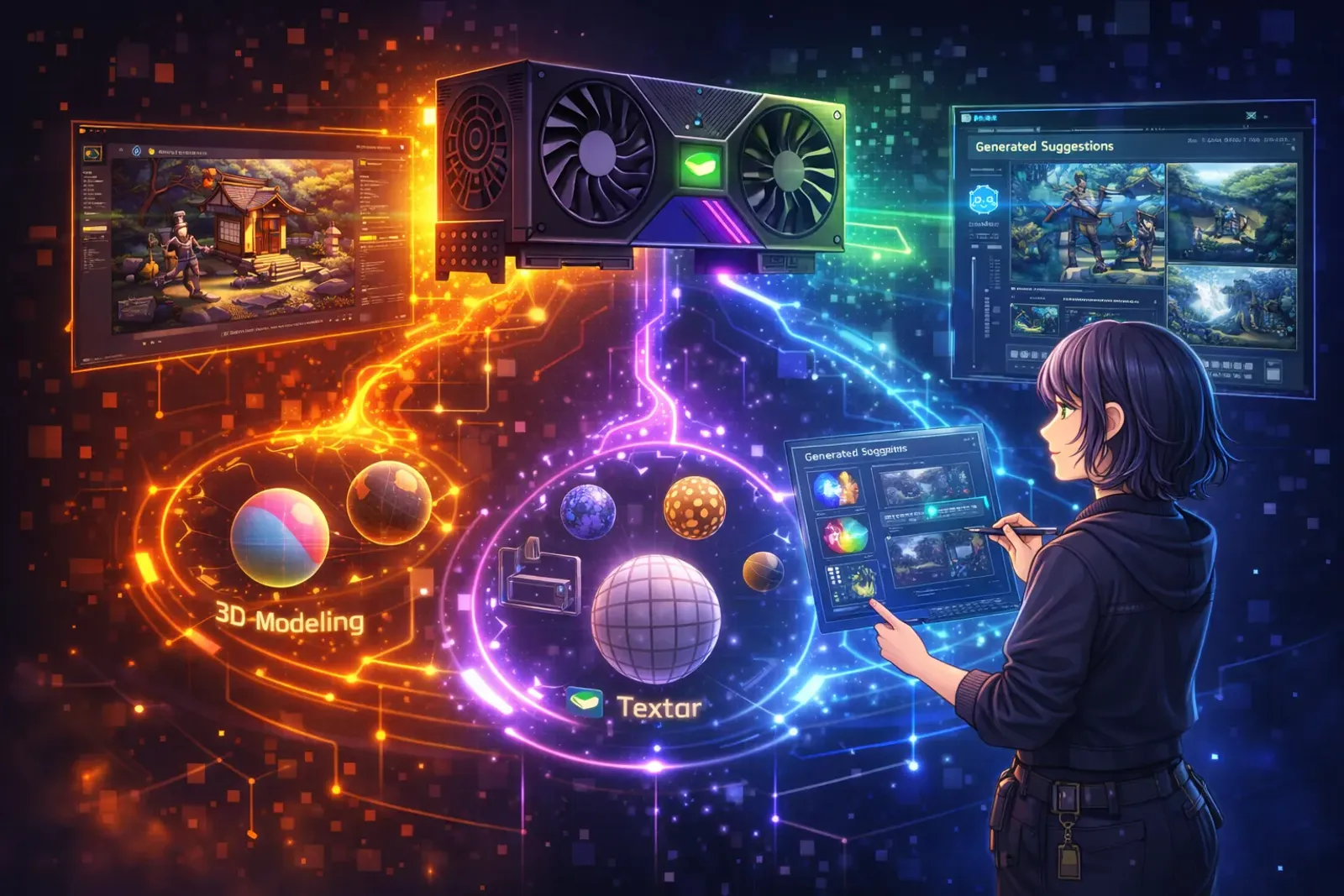
From a production perspective, we can break the workflow into five common stages: viewport modeling, material and texture preview, normal and AO baking, final rendering output, and AI tool integration. The pattern is consistent. The biggest advantages come from three areas: larger VRAM headroom, more stable real-time preview, and better parallel handling of AI and 3D tasks. Not every metric doubles, but the cumulative gain across daily production is substantial.
Background Analysis
In the past two years, 3D content creation has shifted from single-tool sessions to multi-tool parallel workflows. Artists now adjust models and materials in DCC software while also running texture processing, reference generation, and semantic labeling tasks. The old bottleneck was clear: single-point performance looked strong, but stability dropped under concurrent workloads, forcing teams to split tasks and lose time between stages.
NVIDIA’s strategy for this generation is clear. It is not only about increasing peak compute. It is about stabilizing long-session output in creator-heavy environments. From a product positioning perspective, the focus is moving toward sustainable production rather than one-time benchmark spikes. For indie teams and freelance creators, this direction is often more meaningful than raw spec jumps.
Impact Assessment
1) Modeling and scene editing: smoother handling for heavy files
In high-poly characters and complex scenes, frame drops are reduced during viewport rotation, material switching, and real-time shadow usage. Each improvement may seem small in isolation, but after hundreds of repetitions per day, they translate into steadier pacing and fewer context breaks.
2) Material texturing and 3D painting: shorter preview delays
Texture painting suffers most when brush feedback lags behind input. In high-resolution maps with multiple layered stacks, the new GPUs respond more quickly, especially when reference windows and node editors are open simultaneously. Creators can keep focus on form and color instead of adapting to hardware delay.
3) Baking workflows: faster normal, AO, and curvature re-computation
Baking is often the most queue-prone stage in production. In medium-to-high complexity assets, batch baking times improve enough to change real scheduling decisions, particularly for characters and props that require repeated revisions. More importantly, long-session baking stability improves, reducing failed runs and costly retries.
4) Rendering and output: high-quality previews available earlier
Rendering is not only about final frames. Modern pipelines depend heavily on intermediate previews for early direction and art review decisions. With smoother denoise, ray-traced preview, and multi-angle test output, teams can evaluate near-final results sooner and reduce late-stage risk.
5) AI-assisted stages: parallel capacity becomes a core advantage
One of the clearest differences in this generation is the practical experience of running AI and 3D tasks in parallel. Reference image generation, mask cleanup, and semantic outpainting can run in the background with lower disruption to active DCC work. That moves AI from an optional add-on into a production-native capability.
Future Outlook
GPU competition is increasingly shifting from peak speed to workflow efficiency. We expect three trends:
- Creators will prioritize VRAM and stable multitasking over isolated benchmark numbers.
- Software ecosystems will optimize more aggressively for AI + 3D concurrency.
- Team hardware decisions will rely more on weekly deliverable output than single-machine score charts.
In other words, upgrade decisions are becoming closer to production management metrics and farther from spec-sheet mythology.
Practical Application
If your team is considering a hardware upgrade, use a small internal evaluation process instead of relying only on public benchmark media.
- Select three representative project files: one character, one environment, and one animated shot.
- Fix test categories: viewport interaction, baking duration, preview rendering, and final output.
- Track iteration time per pass rather than only best-case single-run numbers.
- Observe one week of multitasking: active 3D work plus background AI tools.
- Evaluate ROI by delivery rhythm: whether the same work hours produce one additional revision cycle.
This method helps teams decide faster whether a GPU upgrade creates real throughput, instead of chasing short-term hype.
Personal Perspective
From a creator’s perspective, the most valuable part of this update is not just “faster.” It is “more stable.” In production art, focus is one of the most expensive resources. If a workflow removes even a few moments of lag, failed reruns, or idle waiting, the quality of the entire day improves.
More importantly, hardware efficiency is lowering practical entry barriers. When small teams can produce better quality in predictable time, they can invest more in story, music, and character performance, the parts audiences emotionally connect with. Over time, that means more strong projects can reach players.
Conclusion
The real value of NVIDIA’s next-generation creator GPUs is not only point performance. It is the smoother continuity across modeling, texturing, baking, rendering, and AI-assisted stages. For creators in 2026, the key upgrade question is straightforward: does this hardware help us finish better work, faster, and more consistently?
Related Resources:
-
NVIDIA Official Website
- GPU and creator platform information
-
NVIDIA Studio Developer Page
- Creator drivers and technical documentation
-
Blender Official Website
- Reference materials for 3D modeling and rendering workflows
Tags: #NVIDIA #CreatorGPU #3DArt #BakingWorkflow #AITools #IndustryInsights