2025 Game Engine Selection Guide: Comprehensive Comparison of Unreal 5, Godot 4, and Unity
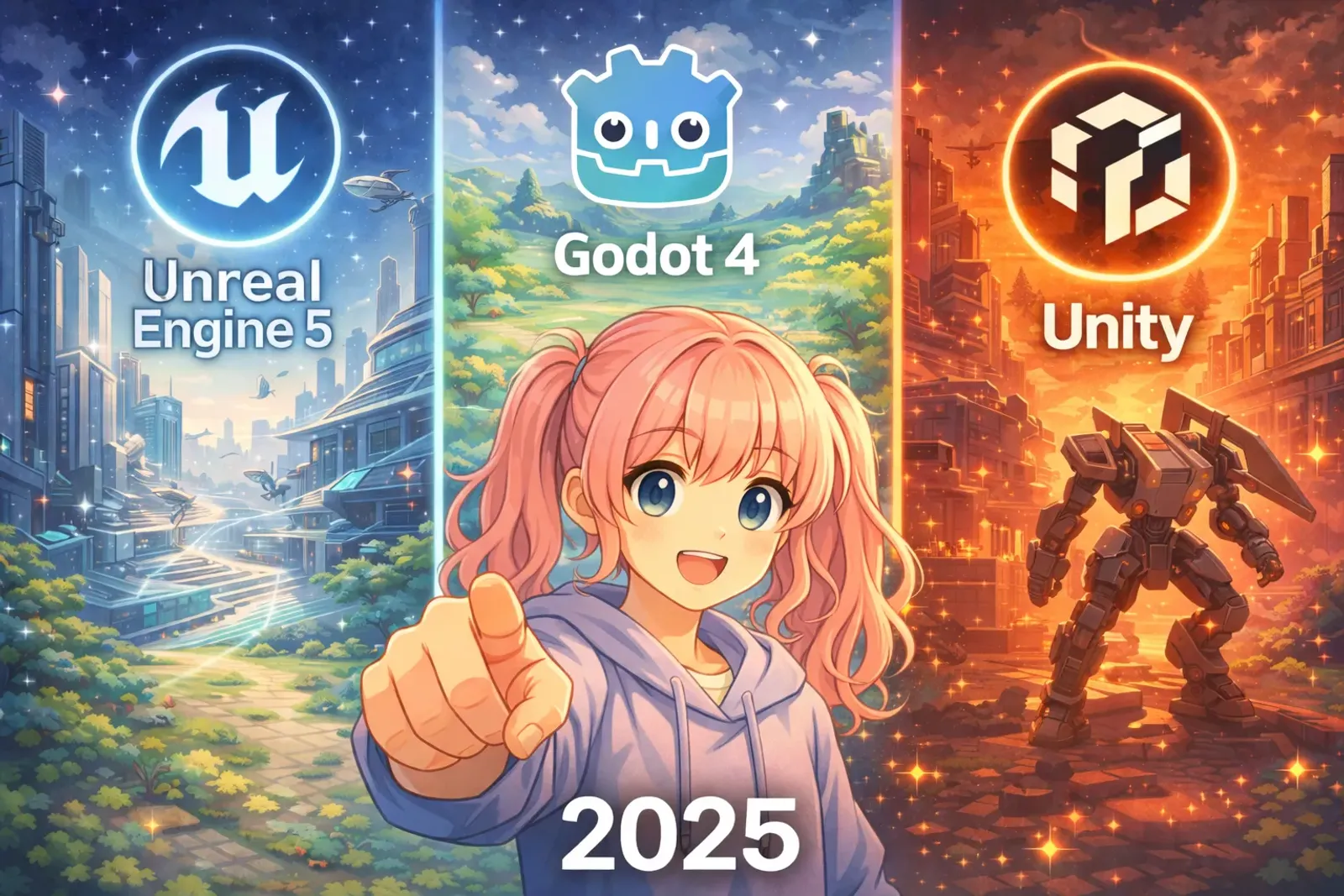
Game Engines Are Your “Creative Tools,” Not “Technical Barriers”
Choosing a game engine in 2025 is like choosing a paintbrush: There’s no best, only most suitable.
Unreal 5, Godot 4, and Unity each have their strengths. The key is finding the tool that fits your project, team, and budget. This article uses real cases to help you make quick decisions.
Quick Comparison of Three Major Engines (2025 Edition)
Unreal Engine 5: The Pinnacle of Visual Quality
Biggest Advantage: Top-Tier Visual Technology
- Nanite: Import million-polygon models directly without decimation
- Lumen: Real-time global illumination without baking lightmaps
- MetaHuman: Quickly generate high-quality character models
Suitable Projects:
- ✅ AAA-level visual requirements
- ✅ Open world, FPS, action games
- ✅ VR/AR content
Learning Time: 3-6 months to get started
Success Cases:
- Fortnite, Black Myth: Wukong, God of War series
- Indie games: Tales of Kenzera (small teams can use it too)
Godot 4: The Open-Source Dark Horse
Biggest Advantage: Completely Free and Lightweight
- No Licensing Fees: No royalties on commercial works
- Lightweight: Only 200MB installation, runs on regular laptops
- GDScript: If you know Python, you know GDScript—quick to learn
Suitable Projects:
- ✅ 2D games (strongest point)
- ✅ Indie development, student projects
- ✅ Rapid prototyping
Learning Time: 1-3 months to get started
Success Cases:
- Brotato, Cassette Beasts
- Indie developer favorite
Unity: The Mature and Stable Middle Ground
Biggest Advantage: Most Complete Ecosystem
- Asset Store: Millions of assets and plugins
- Multi-platform: Develop once, deploy everywhere
- Large Job Market: Many companies need Unity developers
Suitable Projects:
- ✅ Mobile games (primary domain)
- ✅ Cross-platform games
- ✅ Small to medium commercial projects
Learning Time: 2-4 months to get started
Success Cases:
- TWAAM, Honkai: Star Rail, Hollow Knight
- Most mobile game YouTube tutorials
5-Minute Decision Flowchart
Question 1: What’s your budget?
➡️ Zero budget: Godot 4
➡️ Limited budget: Unity or Godot
➡️ Sufficient budget: Any engine
Question 2: Your computer specs?
➡️ Regular laptop: Godot or Unity
➡️ High-end gaming PC: Any engine
Question 3: Game genre?
➡️ 2D/Pixel games: Godot
➡️ Mobile/Cross-platform: Unity
➡️ Top-tier 3D graphics: Unreal 5
Question 4: Learning time?
➡️ 1-2 months: Godot
➡️ 3-4 months: Unity
➡️ 6+ months: Unreal 5
Learning Path Recommendations
Godot Learning Path (1-3 Months)
Week 1-2: Official tutorials + simple pixel games
Week 3-4: Implement your own small project (side-scroller recommended)
Recommended Resources: GDQuest, Heartbeast (YouTube)
Unity Learning Path (2-4 Months)
Week 1-2: C# basics + official Unity Learn
Week 3-6: Follow YouTube tutorials to make indie games
Week 7-8: Independent project + Asset Store integration
Recommended Resources: Brackeys, Code Monkey (YouTube)
Unreal Learning Path (3-6 Months)
Month 1: Blueprint basics + official demos
Month 2-3: Simple 3D level design
Month 4+: Advanced Nanite/Lumen features
Recommended Resources: Unreal Sensei, Matt Aspland (YouTube)
Conclusion: Tools Serve Creativity
Most Important Advice: Don’t learn three engines bit by bit.
Choose one, learn it deeply, create something, then consider switching. Engines are just tools—game design, art, and narrative are the core.
Quick Review
| Engine | Best Use | Cost | Learning Difficulty |
|---|---|---|---|
| Godot | 2D games, indie dev | Free | ⭐⭐☆☆☆ |
| Unity | Mobile, cross-platform | Free~Low | ⭐⭐⭐☆☆ |
| Unreal | Top-tier 3D graphics | Free~Medium | ⭐⭐⭐⭐☆ |
Start your game development journey now! 🎮✨
Recommended Resources:
- Godot: GDQuest (gdquest.com)
- Unity: Brackeys, Code Monkey (YouTube)
- Unreal: Unreal Sensei (YouTube)
- Indie game developer forums: r/gamedev
Related Articles: