Complete Guide to Color Psychology in Game Design: How to Create Emotion and Atmosphere Through Color
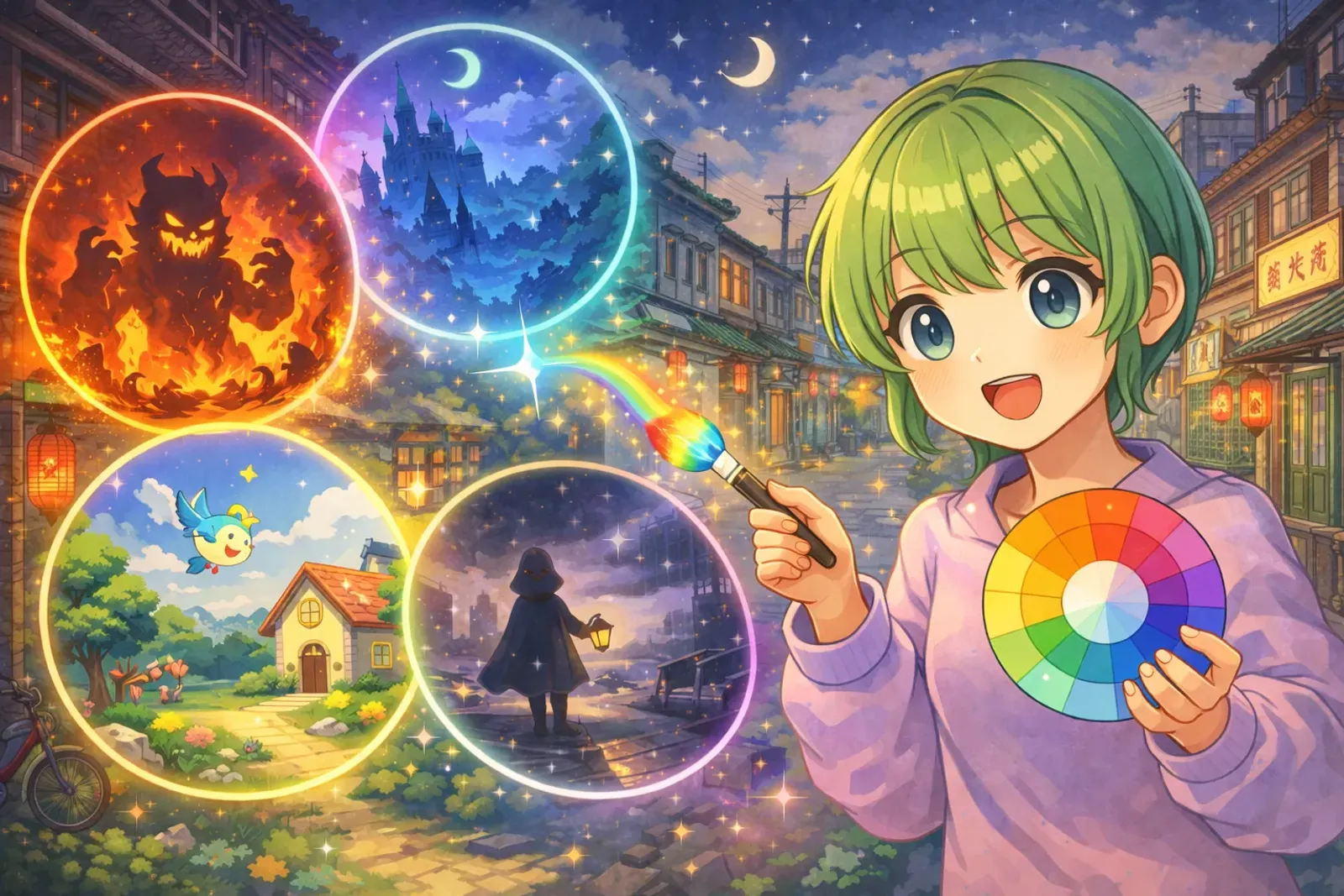
Why Is Color the Most Important Element in Game Design?
Hollow Knight’s blue-black tones convey mystery and loneliness, while Hades’ fiery red-orange-yellow ignites passion—color is the most direct emotional communication tool in game design.
Color can influence player emotional response in 0.2 seconds. This article teaches you how to choose color schemes for your game and provides practical tools for immediate application.
Color Psychology Basics: How Colors Affect Emotions
Three Major Color Attributes
Before discussing color psychology, we need to understand three core attributes of color:
1. Hue
- What we commonly call “color”: red, orange, yellow, green, blue, purple, etc.
- Determines basic emotional tendency of color
- Example: Red represents passion/danger, blue represents calm/melancholy
2. Saturation
- The “purity” or “vividness” of color
- High saturation: vivid, lively, stimulating
- Low saturation: soft, stable, melancholic
- Example: High-saturation red like a fire truck, low-saturation red like fallen leaves
3. Value/Brightness
- The “lightness” of color
- High value: light, open, hopeful
- Low value: heavy, enclosed, mysterious
- Example: Light blue feels like sky, dark blue like deep ocean
Key Concept: Changing saturation and value is more effective for fine-tuning emotions than changing hue.
Warm vs Cool Color Emotional Differences
Warm Colors (Red, Orange, Yellow):
- Emotions: Passion, vitality, warmth, danger, tension
- Visual effect: Advancing, expanding
- Suitable for: Action games, combat scenes, cozy scenes
- Cases: DOOM’s hell, Hades’ underworld
Cool Colors (Blue, Green, Purple):
- Emotions: Calm, rational, melancholic, mysterious, technological
- Visual effect: Receding, contracting
- Suitable for: Puzzle games, sci-fi scenes, underwater scenes
- Cases: Abzû’s ocean, Hollow Knight’s darkness
Neutral Colors (Black, White, Gray, Brown):
- Emotions: Stable, professional, classic, desolate
- Function: Background for primary colors, balance composition
- Suitable for: Realistic style, wasteland themes, minimalist design
- Cases: INSIDE’s black-white-gray, The Last of Us’ brown-gray
Color Strategies of Classic Games
Hollow Knight: Blue-black tones create mysterious atmosphere, white outlines enhance readability, warm light sources become rest points.
Hades: Red-orange-gold flame palette stimulates battle desire, deep purple adds mystery, golden rewards stand out against warm background.
Celeste: Each chapter’s color changes with protagonist’s emotions—blue-purple (melancholy) → green (growth) → orange-red (anxiety) → golden-yellow (hope).
Gris: Gradually restores color from black-and-white, using presence/absence of color as metaphor for emotional recovery journey.
Practical Color Strategies: How to Choose Colors for Your Game
Strategy 1: Start from Game Genre
Horror Games:
- Primary: Low-saturation cool colors (gray-blue, dark green, deep purple)
- Accent: Small amounts of red (blood) yellow (dim lighting)
- Value: Overall dark, creating visual oppression
- Cases: Detention, Devotion, Amnesia
Cute Casual Games:
- Primary: High-saturation warm colors (pink, sky blue, pale yellow)
- Contrast: Medium, avoid too harsh
- Value: Overall bright, giving relaxed feel
- Cases: Animal Crossing, Stardew Valley, Unpacking
Epic RPG:
- Primary: Gold/copper (symbolizing treasure and adventure)
- Secondary: Deep purple/blue (mystery and magic)
- Details: Gem-like saturated colors (ruby, sapphire)
- Cases: The Witcher 3, Elden Ring, Diablo
Cyberpunk/Sci-Fi:
- Primary: Neon colors (pink, cyan, purple)
- Background: Dark/black
- Contrast: Extremely high, creating electronic feel
- Cases: Cyberpunk 2077, Neon White, Ghostrunner
Strategy 2: 60-30-10 Color Rule
This golden ratio from interior design applies equally to game design:
- 60% Primary Color: Background, environmental base tone
- 30% Secondary Color: Buildings, terrain and medium objects
- 10% Accent Color: Interactive items, important NPCs, UI elements
Example: Forest Scene
- 60% deep green (forest background)
- 30% brown (tree trunks, ground)
- 10% bright yellow (chests, NPCs, collectibles)
Benefits:
- Screen doesn’t get too chaotic
- Player’s eyes automatically drawn to accent color
- Establishes clear visual hierarchy
Strategy 3: Color Contrast Enhances Readability
Complementary Contrast (Strongest):
- Red vs Green
- Blue vs Orange
- Yellow vs Purple
Uses:
- Enemy-ally identification (red enemies vs blue allies)
- UI buttons (green confirm vs red cancel)
- Important item highlights
Note: Overusing complementary colors can be harsh; use sparingly.
Value Contrast (Most Important):
- Light objects + dark background
- Dark text + light background
Uses:
- Text readability (most important for UI)
- Character outlines (like Hollow Knight’s white outlines)
- Standable areas in platformers
Testing Technique: Convert screen to grayscale—if still visible, value contrast is adequate.
Common Mistakes and Solutions
Too many high-saturation colors → Reduce background saturation, use vivid colors only for focal points
No unified color theme → Build color palette, limit to 3-5 primary colors
Ignoring colorblind design → Add shapes/patterns for differentiation, not just color
UI conflicts with scenes → Use contrasting colors for UI, add semi-transparent backgrounds
Practical Tool Recommendations
Color Tools:
- Coolors.co - Quickly generate color schemes
- Adobe Color - Extract colors from images
- Lospec Palette List - Pixel game color library
Testing Tools:
- Color Oracle - Colorblind simulator
- Contrast Checker - UI contrast checker
Five Steps to Build Color Scheme (1 Hour)
- Define Emotion Keywords (5 minutes) - Write 3-5 target emotions
- Choose Primary Tone (10 minutes) - Mysterious→deep purple-blue, Warm→orange-yellow
- Use Coolors to Generate Palette (10 minutes) - Lock primary color, generate secondary colors
- Test 60-30-10 Ratio (15 minutes) - 60% primary, 30% secondary, 10% accent
- Collect References (20 minutes) - Build mood board analyzing excellent cases
Conclusion
Color psychology is a tool for understanding connections between emotion and visuals. Remember:
✅ Color directly affects player emotions
✅ Consistency more important than complexity
✅ Contrast is key to readability
✅ Learn from excellent works
✅ Practice more important than theory
Open Coolors now and start creating your color world! 🎨
Further Reading: