AI Art Tools Practical Guide: How Game Creators Can Leverage AI Without Being Replaced
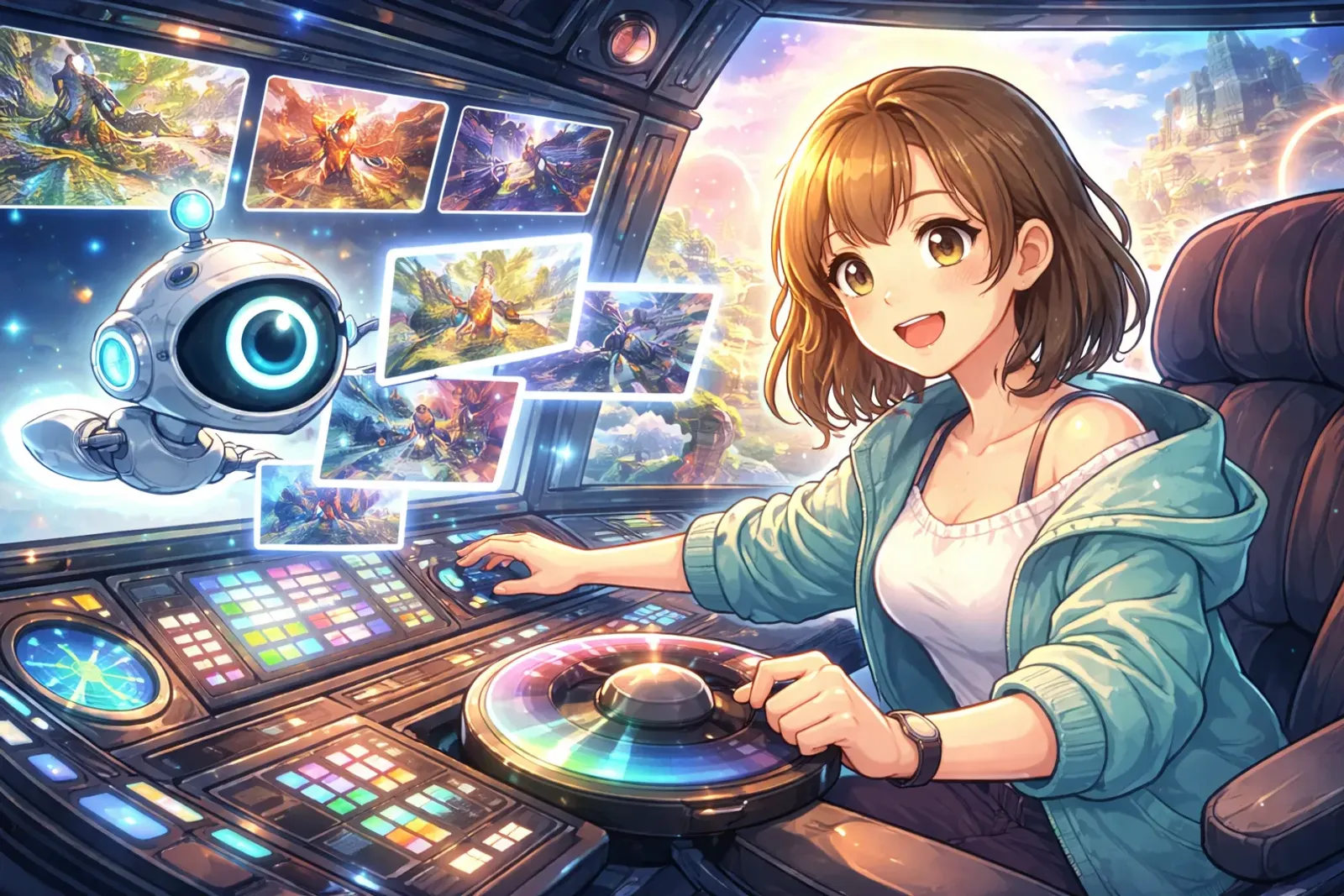
AI Isn’t Here to Replace You—It’s Here to Liberate Your Creativity
In 2025, AI art tools have evolved from “novelty toys” to “professional tools.” Many creators worry: “Will AI replace art designers?”
The answer: No, but it will replace designers who don’t know how to use AI.
AI can help you rapidly generate concept designs, explore visual styles, and create scene drafts, but it cannot replace your overall visual control, understanding of player experience design thinking, or ability to integrate scattered assets into complete works.
This article teaches you to use AI as an assistant, not a replacement, building an efficient and ethical workflow.
Practical Applications of AI in Game Art Workflow
Concept Design: From 12 Hours to 3 Hours
Traditional Process: Hand-drawn sketches → Discussion/revisions → Final art (8-12 hours)
AI-Assisted Process: AI generates multiple options → Select direction → Manual refinement (3-5 hours)
Efficiency Boost: 60%
Real Case: Designing a Cyberpunk Female Hacker
- Use Midjourney to generate 20-30 reference images (15 minutes)
- Select 3 for refinement and composition (2-3 hours)
- Add game-specific elements (1-2 hours)
Key Point: AI handles “exploring possibilities,” humans handle “selection and refinement.”
Scene Design: 3D Modeling Reference Accelerator
Designing “Abandoned Future Laboratory” workflow:
- AI generates multi-angle reference images (front view, interior, details)
- Use AI images as reference during 3D modeling
- Adjust details yourself
Advantage: No need to hand-draw detailed concept art first, quickly test style directions
Material Creation: Strongest Application Area
Using Stable Diffusion to generate seamless textures:
- Brick, metal rust, wood grain, sci-fi panels
- Traditional hand-painting: 2-4 hours
- AI generation + adjustment: 30 minutes-1 hour
- Efficiency boost 70-80%
Quick Comparison of Mainstream AI Tools
Midjourney V7 (Most Recommended for Beginners)
✅ Best image quality, easy to use
❌ $10/month subscription, weak detail control
Suitable for: Concept design, style exploration
Stable Diffusion 3.0 (Most Flexible)
✅ Completely free, can run locally, can train models
❌ Requires technical skills and high-end graphics card
Suitable for: Mass asset generation, privacy needs
Leonardo.ai (Most Balanced)
✅ User-friendly interface, free tier available, designed for games
❌ Limited free credits
Suitable for: Indie developers, material creation
DALL-E 3 (Most Precise)
✅ Strong text understanding, integrated with ChatGPT
❌ Less artistic, requires ChatGPT Plus
Suitable for: Precise control, educational diagrams
Efficient AI Workflow (Complete Character Design in 4 Hours)
Step 1: Define Requirements (5 minutes)
List character traits, style references, necessary elements
Step 2: AI Exploration (30 minutes)
Generate 30-50 reference images, test different keywords
Step 3: Direction Confirmation (15 minutes)
Select 3-5 best images, use Image Blend to integrate advantages
Step 4: Manual Refinement (2-3 hours)
Import to Photoshop to correct errors, add game-specific designs
Step 5: Final Adjustments (30 minutes)
Export different sizes, integrate into engine for testing
Prompt Writing Techniques
Basic Structure:
[Subject] + [Style] + [Details] + [Lighting] + [Perspective]Example:
female warrior, dark fantasy style,
heavy armor, glowing sword,
dramatic lighting, full body,
concept art, highly detailed
Advanced Techniques:
- Weight adjustment:
(glowing sword:1.3) - Negative prompts:
--no modern clothing - Artist style:
in the style of [artist](be mindful of copyright)
AI Limitations and Irreplaceable Human Creativity
AI Cannot:
- ❌ Understand game design requirements and playability
- ❌ Solve specific design problems (like sightline guidance, readability)
- ❌ Build visual consistency (each generation slightly different)
- ❌ Cultural depth and emotional metaphor
Your Value Lies In:
- ✅ Proposing creative direction
- ✅ Making aesthetic judgments
- ✅ Integrating all elements
- ✅ Giving works soul
Ethics and Legal Quick Guide
Copyright-Safe Practices:
- Heavily modify AI images (50%+ human creation)
- Use AI for reference, redraw yourself
- Avoid directly naming living artists
- Label “AI-assisted” to maintain transparency
Industry Impact:
- Short-term: Art outsourcing prices drop, concept designers need transformation
- Long-term: Small teams can achieve AAA-level art, creativity more important than skill
Two-Week Action Plan for Beginners
Week 1: Familiarize with Tools
- Day 1-2: Register Midjourney or Leonardo.ai, generate 50-100 images
- Day 3-5: Learn prompts, build templates
- Day 6-7: Practice Photoshop refinement of AI images
Week 2: Integrate Workflow
- Choose a small project (like designing NPCs)
- Use AI generation → Manual refinement → Record time saved
- Build asset library and common prompt list
Long-term Development:
- Follow monthly AI tool updates
- Join Discord communities for exchange
- Develop abilities AI can’t replace (design thinking, cultural depth)
Conclusion: Embrace Tools, Maintain Humanity
AI tools aren’t the end of creativity—they’re the beginning of creativity democratization. Twenty years ago, only big companies could make beautiful games; today AI lets one-person teams create stunning visuals.
The key isn’t resisting AI, but learning to master it.
Remember:
- 🎨 AI is a tool, not a replacement
- 🧠 Your judgment and integration abilities are core
- ⚖️ Maintain ethical awareness, respect originality
- 🚀 Use AI to save time, invest in more meaningful creation
Start now and find your AI workflow! 🤖✨
Recommended Resources:
- r/StableDiffusion, Midjourney Discord
- PromptHero.com, Lexica.art
- Spawning.ai (artist copyright protection)