Blender Security Alert! Malicious 3D Models Hide Malware - 5 Protection Tips
Current Observation
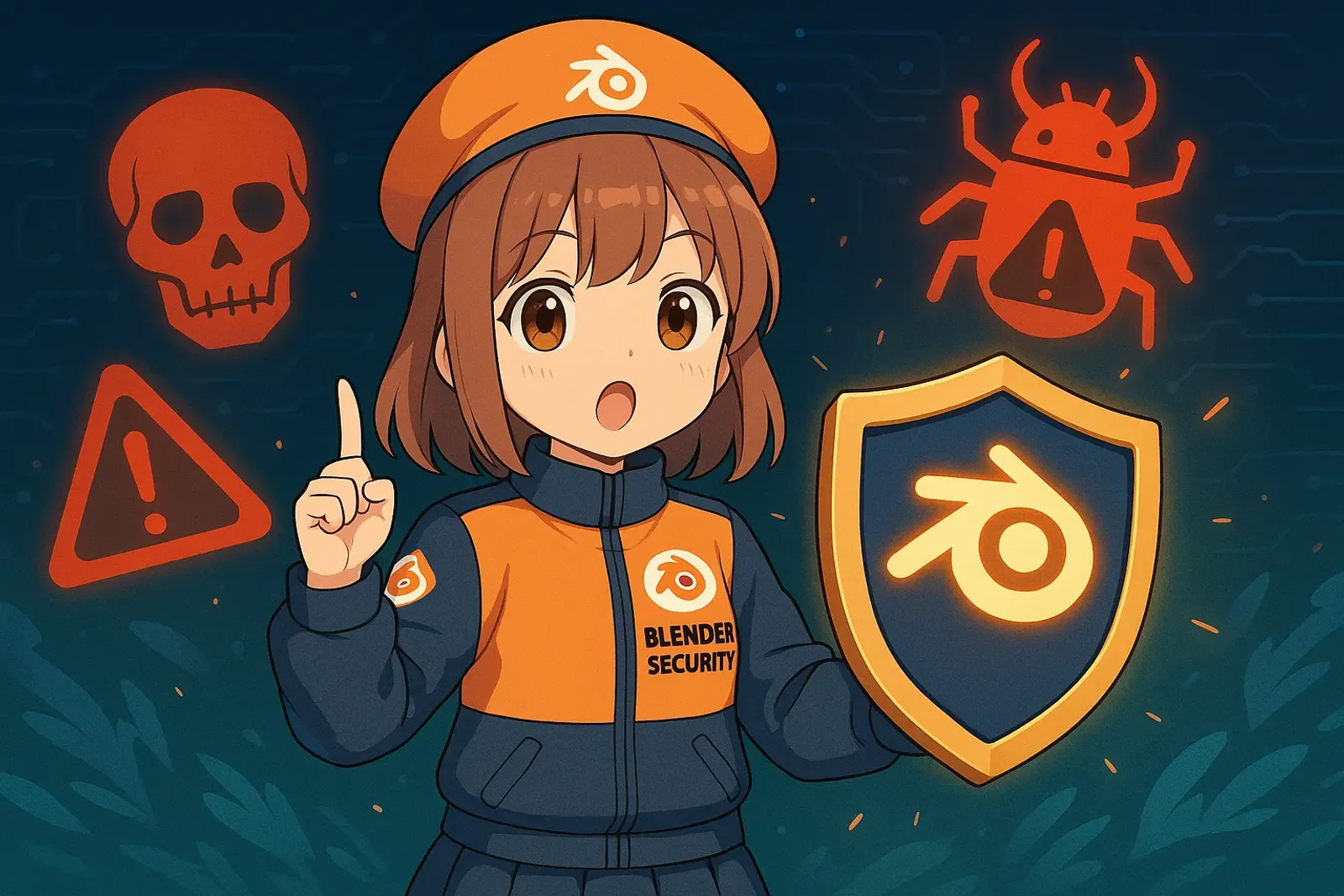
In late November 2024, cybersecurity firm Morphisec revealed a sophisticated attack targeting 3D creators: hackers uploaded malicious .blend files to CGTrader. When users open these files, embedded Python scripts auto-execute, planting StealC V2 infostealer malware that steals browser passwords, crypto wallets, and messaging app credentials.
The attack has been ongoing for 6 months with extremely low antivirus detection rates. Many creators became victims unknowingly. When free models become traps, how can we protect ourselves?
Background Analysis
StealC V2 Attack Flow
- Bait: Disguised as popular models on CGTrader, marked “free download”
- Auto-Execute: Blender auto-executes Python scripts in files by default
- Install: Scripts download StealC V2, using UAC bypass to evade detection
- Steal: Steals from 23+ browsers, 100+ extensions, crypto wallets, messaging apps
- Exfiltrate: Data sent to hacker servers

Why Can’t Antivirus Software Stop It?
- Highly obfuscated code defeats traditional signatures
- Distributed through legitimate marketplaces gains trust
- UAC bypass mechanisms don’t trigger warnings
- Mimics normal plugin behavior, hard to detect
Why Creators Are Particularly Vulnerable
- Time Pressure: Quick downloads under deadlines, skipping security checks
- Trust Culture: Blender community’s open sharing lowers guard
- Unawareness: Most don’t know Blender auto-executes scripts
- Review Gaps: Platforms can’t guarantee 100% file safety
Impact Assessment
Individual Threats: Stolen crypto wallets, leaked passwords, compromised chat history, ransomed project files
Industry Impact: Asset sharing culture questioned, platform review upgrades needed, Blender defaults scrutinized, increased security costs
Practical Application
5 Immediately Effective Protection Tips
1. Disable Blender Auto-Execution ⭐⭐⭐⭐⭐
Edit > Preferences > Save & Load
Uncheck "Auto Run Python Scripts"Effect: Blocks 99% of attacks with zero workflow impact. Blender will warn you when scripts need execution.

2. Prioritize Trusted Sources
Download assets from these higher-security platforms:
| Platform | Security | Asset Types | Cost | Features |
|---|---|---|---|---|
| Poly Haven | ⭐⭐⭐⭐⭐ | HDRIs, Materials, Models | Free | Fully open-source, community-reviewed |
| Blender Market | ⭐⭐⭐⭐ | Add-ons, Models, Materials | Paid/Free | Official marketplace, strict review |
| Sketchfab | ⭐⭐⭐⭐ | Various 3D Models | Paid/Free | Large platform, robust reporting |
| Blender Studio | ⭐⭐⭐⭐⭐ | Official Open Projects | Subscription | Official Blender asset library |
| TurboSquid | ⭐⭐⭐ | Commercial Model Library | Paid | Professional commercial assets |
| CGTrader | ⭐⭐ | Various Models | Paid/Free | Attack incident reported |
Avoid downloading .blend files from unknown forums or file-sharing sites.

3. Use Virtual Machines or Sandbox Environments
For unknown source files:
- Windows Sandbox (Win10/11 built-in): Disposable, auto-cleans
- VirtualBox / VMware: Complete isolation
- Sandboxie-Plus: Simple sandboxing
Flow: Open in VM → Check for anomalies → Only copy geometry data (Append/Link) to main system
4. Check Startup Scripts Folder Regularly
Paths:
- Windows:
C:\Users\<username>\AppData\Roaming\Blender Foundation\Blender\<version>\scripts\startup\ - macOS:
~/Library/Application Support/Blender/<version>/scripts/startup/ - Linux:
~/.config/blender/<version>/scripts/startup/
Delete unrecognized .py files. Check monthly.
5. Enable Antivirus “Behavior Detection”
- Windows Defender: Enable “Real-time protection” and “Cloud protection”
- Malwarebytes: Specializes in infostealers, weekly scans
- Bitdefender / Kaspersky: Advanced behavior analysis
Key: Enable cloud protection, behavior monitoring, application control. Alerts when software accesses browser or wallet data.
Personal Perspective
Open sharing culture matters, but convenience shouldn’t sacrifice security. We spend hundreds of hours learning techniques yet neglect basic protection. 30 seconds to disable auto-execution blocks most attacks.
Shared Responsibility: Platforms need upgraded reviews, Blender could default to disabled auto-execution, communities should share security info.
Future Outlook
Tech Trends: Built-in sandboxes, file hash verification, AI threat detection
Culture Shift: From “completely open” to “securely open”, reputation systems, digital asset protection priority
Conclusion
This is a security awareness problem. No need to become a cybersecurity expert, just do these:
Immediate Actions:
- ✅ Disable Blender
Auto Run Python Scripts - ✅ Check startup scripts folder, delete suspicious files
- ✅ Enable browser two-factor authentication (2FA)
- ✅ Bookmark trusted asset sources
- ✅ Downloaded from CGTrader recently? Run Malwarebytes scan
Your creative talent deserves the safest environment. Creative freedom and security awareness can coexist.
Related Resources:
- Blender Kit Complete Guide: Free 3D Asset Library Tutorial - Recommended safe asset download platforms
- Blender Official Security Recommendations - Official security settings guide
Tags:#Blender #Security #3DModeling #Malware #CreatorSafety #Tutorial