AI Image Generation: Should Concept Artists Worry or Embrace? A Pragmatic View
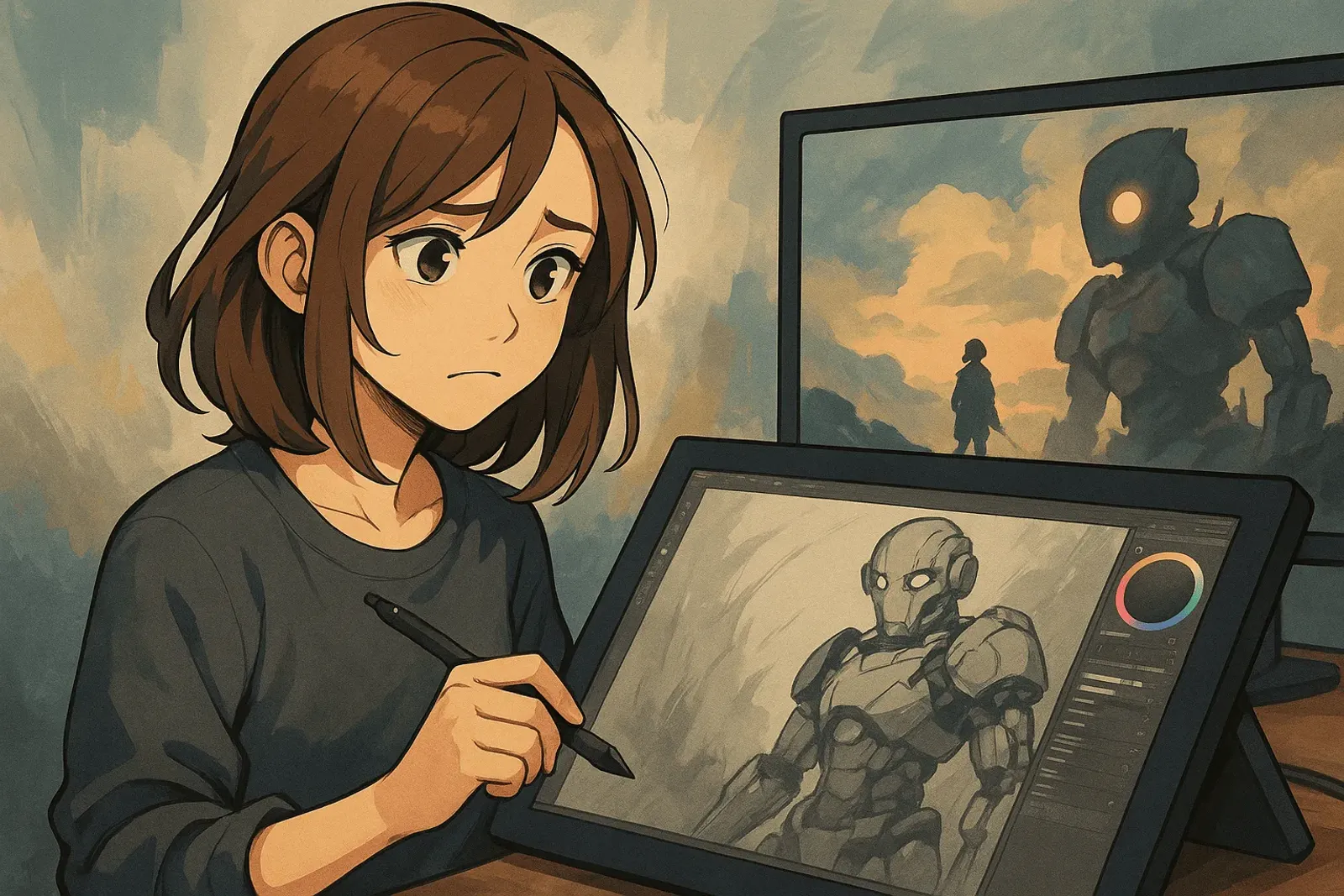
AI Image Generation: Should Concept Artists Worry or Embrace? A Pragmatic View
Current Observation
Since late 2022, AI image generation tools suddenly exploded:
- Midjourney: Enter text, generate four stunning concept images in 60 seconds
- Stable Diffusion: Open-source, free, runs on your own computer
- DALL-E 3: OpenAI’s offering, integrated into ChatGPT
Many “stunning concept images” you see on Twitter, Xiaohongshu, and Discord are AI-generated.
Then the controversy began:
Opposition: “AI stole artists’ work for training—this is plagiarism!”
Support: “It’s just a tool, like when cameras appeared and painters panicked.”
Creators: “Should I learn AI? Or will AI replace me?”
Let’s skip the emotions and look at reality.
The Core Issue
What Can AI Actually Do?
AI Excels At:
- ✅ Quickly generating mood reference images
- ✅ Exploring multiple style directions
- ✅ Creating unexpected visual combinations
- ✅ Early concept ideation
AI Struggles With:
- ❌ Precise control of specific details
- ❌ Adhering to strict brand guidelines
- ❌ Understanding functional design requirements (weapon grips, character action feasibility)
- ❌ Iterative modification of specific elements (“make that left armor piece gold”)
- ❌ Maintaining consistency across multiple images (same character, different angles)
Simply put: AI is great at “divergence” but not “convergence.”

Position in Real Workflows
Actual concept art workflow:
- Requirements discussion (client/director explains what they want)
- Divergence phase (sketch many ideas to explore directions) ← AI can help
- Convergence phase (select direction, refine details) ← AI can’t help
- Iterative revisions (adjust based on feedback) ← AI struggles
- Final delivery (polished work meeting specs) ← Needs professional skills
AI only assists step 2; everything else needs humans.
Real-World Cases
Case 1: Indie Game Developer
Background: Solo developer, no art budget
Before:
- Used free assets pieced together → No uniqueness
- Paid for outsourced concept art → Budget insufficient
- Drew myself but lacked skills → Poor results
Now:
- Use Midjourney to generate concept art → Quickly explore styles
- Take AI images to outsourcing platforms, have artists “draw refined versions” → Save communication costs
- Or use AI images directly as prototypes to test gameplay
Result: AI lowered the barrier to “having concept art,” but still needs professional artists for final delivery.
Case 2: Large Studio Concept Department
A AAA game studio’s actual approach (anonymous interview):
“We have concept artists use Midjourney for early exploration. For one character design, we used to need 20 sketches—now we generate 100 with AI first, select 5 directions, then manually refine. Saved exploration time, but final delivery still requires professional skills.”
Key point: AI “accelerates early stages,” not “replaces later stages.”
Case 3: Freelance Artist
Freelancer A’s experience:
“Clients now bring AI-generated images saying ‘I want this vibe.’ Good news: communication is clearer. Bad news: they think ‘if AI can generate it, why pay you?’”
Response strategy:
- Explain AI image limitations (can’t control precisely, doesn’t meet functional needs)
- Demonstrate professional value (character design logic, turnarounds, detail control)
- Adjust pricing strategy (lower early exploration costs, charge professional rates for refinement)
Result: Fewer projects, but remaining ones all “truly need professional skills.”

Controversies and Truths
Controversy 1: Copyright Issues
Problem: Does AI training on millions of images constitute infringement?
Current status:
- Law still in gray area (varies by country)
- Some artists filing lawsuits (Getty Images vs Stability AI)
- Some platforms banned AI images (ArtStation briefly prohibited)
Pragmatic advice:
- Be careful with commercial use (potential copyright risks)
- Personal learning/internal reference relatively safe
- Best to use tools with licensed training data (like Adobe Firefly)
Controversy 2: Will AI Replace Artists?
Panic voices: “AI can create in 10 seconds what takes me 3 hours!”
Reality:
Being replaced:
- Low-tier outsourcing work (batch-generating game card backgrounds, simple icons)
- Artists who “draw pretty but lack design thinking”
Not being replaced:
- Designers who understand functional requirements (character action design, weapon feasibility)
- Professionals who can iterate through communication (refine based on feedback)
- Artists with unique styles (AI only mimics, doesn’t innovate)
- People who can integrate AI tools to boost efficiency
Conclusion: AI replaces “executors,” not “designers.”
Controversy 3: Is Learning AI Tools “Betrayal”?
Some art communities resist AI, believing using AI means “disrespecting craftsmanship.”
My view:
Tools themselves have no morality—the key is how you use them:
Bad usage:
- Generate AI images and pretend you drew them
- Use AI to copy specific artists’ styles for profit
- Completely depend on AI, don’t learn fundamentals
Good usage:
- Use AI for early brainstorming
- Study AI image composition/color, then draw manually
- Treat AI as “sketch assistant,” manually finish final work
Analogy: When photography appeared, painters panicked too. But photography didn’t kill painting—instead freed painting from “recording reality” to “expressing emotion.”
AI is the same: It will change industry division of labor, but won’t kill creativity itself.
Practical Recommendations
For Concept Artists
Don’t avoid, but don’t fully accept either.
Recommended approach:
-
Understand AI tools (at least try Midjourney/SD)
- Know what it can and can’t do
- This demonstrates professionalism in interviews/contracts
-
Strengthen skills AI can’t do
- Character design functional thinking (can this armor actually be worn?)
- Turnarounds, detail refinement
- Style consistency, brand guideline control
-
Treat AI as brainstorming partner
- When stuck, use AI to generate 50 references for inspiration
- But final design is still yours
-
Build personal style
- AI only mimics, doesn’t innovate
- Unique visual language is your moat
-
Learn “prompt engineering”
- Know how to guide AI to generate desired results
- This itself is a professional skill

For Aspiring Newcomers
Good news: Barrier to entry lowered
Bad news: Competition more intense
Recommendations:
-
Fundamentals can’t be skipped
- Drawing, color, composition → AI can’t help
- These are foundation of “design thinking”
-
Learn to use AI, but don’t depend on it
- Use AI for reference gathering
- But manual practice can’t stop
-
Specialize in one area
- “Know a bit of everything” has no advantage in AI era
- “Character design expert,” “mechanical design expert” have value
-
Show design thinking, not just craft
- Portfolio should demonstrate “why designed this way”
- Not “I draw beautifully,” but “I design logically”
For Employers/Clients
Don’t think AI can replace professional artists.
AI can give you:
- ✅ Quick direction exploration
- ✅ Cheap early prototypes
AI can’t give you:
- ❌ Precise detail control
- ❌ Functional design
- ❌ Iterative revisions
- ❌ Style consistency
Recommended workflow:
- Use AI for early exploration (save time)
- Have professional artists refine (save rework)
- Let artists use AI to accelerate workflow (save costs)
Don’t: Use AI-generated images directly → 99% have issues
Industry Changes
Short-term (1-2 years)
- Low-tier outsourcing work decreases
- “AI + artist” hybrid workflows become mainstream
- Platforms introduce “AI-assisted tools” (like Photoshop’s Generative Fill)
Mid-term (3-5 years)
- AI tools integrated into professional software (Blender, Maya may have built-in AI generation)
- Concept artists’ role becomes “AI director” + “refinement specialist”
- Copyright laws gradually clarify
Long-term (5-10 years)
- AI can do more precise control (but still needs professional guidance)
- Industry reorganizes: clearer line between “creative director” vs “execution artist”
- New positions emerge: “AI art director,” “prompt engineer”
Unchanged: Good design thinking always scarce.
Personal Perspective
I’ve tried Midjourney, Stable Diffusion, DALL-E 3, and seen many “AI replacement” discussions.
My conclusion: AI is an amplifier, not a replacement.
If you don’t understand design, only “draw pretty” → AI will indeed compress your space.
If you understand design thinking, know why to draw this way → AI will make you stronger.
Analogies:
- Calculators appeared, people who couldn’t do math lost advantage, but mathematicians are still mathematicians
- Autofocus appeared, photographers who couldn’t focus lost advantage, but photography masters are still masters
- AI image generation appeared, artists who only execute lost advantage, but designers are still designers
Key isn’t the tool, it’s what’s in your head.
To all concept artists:
Don’t panic, but don’t ignore either.
Try AI tools, understand their capabilities and limitations. Then ask yourself:
“What AI can’t do—can I do it?”
If the answer is “yes” → Congratulations, you have irreplaceable value.
If the answer is “not sure” → Start strengthening those skills now.
Technology changes, tools change, but creativity and design thinking are always scarce.
AI isn’t here to steal your job, but to filter out true designers.
Conclusion
AI image generation tools’ impact on concept art industry:
Threat: Low-level execution work decreases
Opportunity: Professional designers’ efficiency increases
Key: Strengthen skills AI can’t do
Three recommendations for creators:
- Learn to use AI, but don’t depend on it
- Focus on design thinking, not just craft
- Build unique style—this is your moat
Most important:
This isn’t “AI vs humans” war, but “people who use AI vs people who don’t.”
The choice is in your hands.
Related Resources:
- Midjourney Official Site - AI image generation tool (paid)
- Stability AI - Stable Diffusion developer
- DALL-E 3 - OpenAI’s AI image tool
- Adobe Firefly - Commercial AI tool with copyright guarantee
- Civitai - Stable Diffusion model sharing community
- YouTube AI Concept Art Tutorials - Actual workflow demonstrations
Tags: #AIArt #ConceptArt #Midjourney #StableDiffusion #IndustryAnalysis #IndustryNews